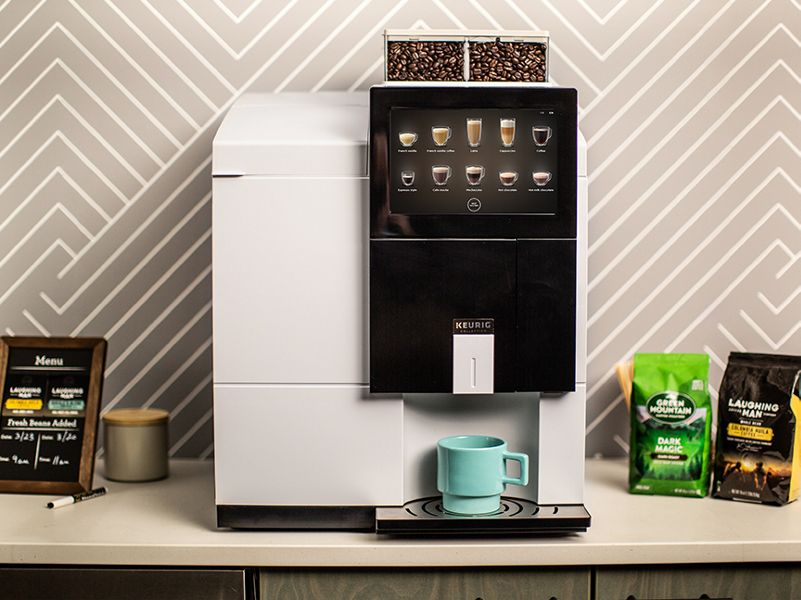
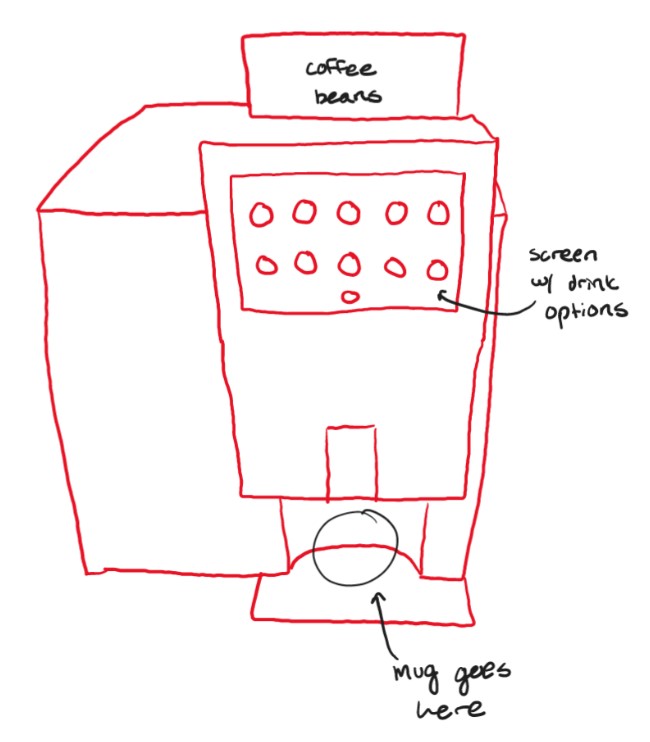
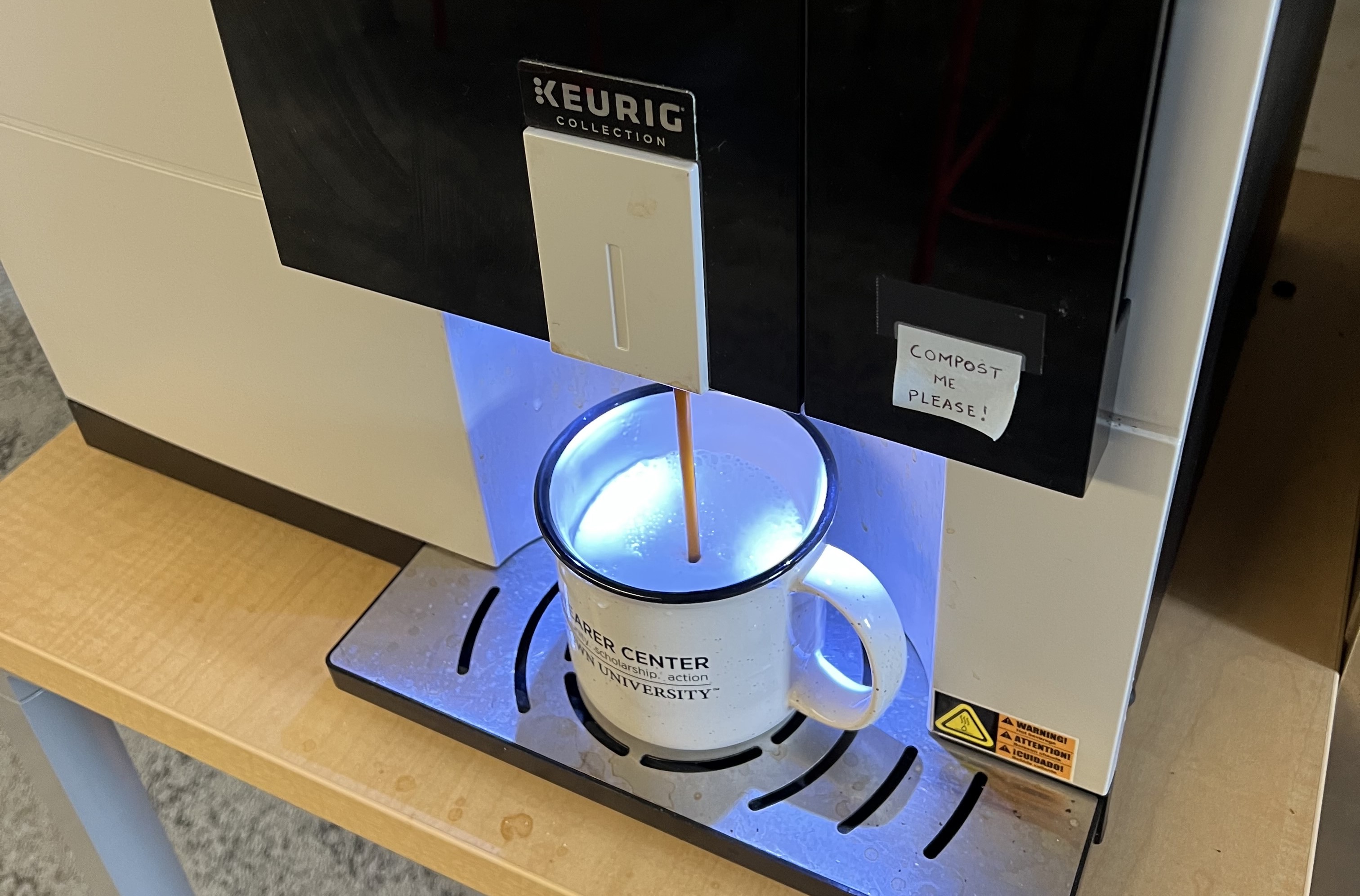
The primary interactive elements are the space for the cup/mug at the bottom of the dispensing unit, and the touchscreen where users make their drink selections. There is also a compartment in the back where coffee beans are stored before being used to make the coffee.
This machine attempts to solve the problem of having to make coffee manually, which can be time consuming and tedious. It also mixes different drinks together, allowing the user to customize their drink from a set of options.
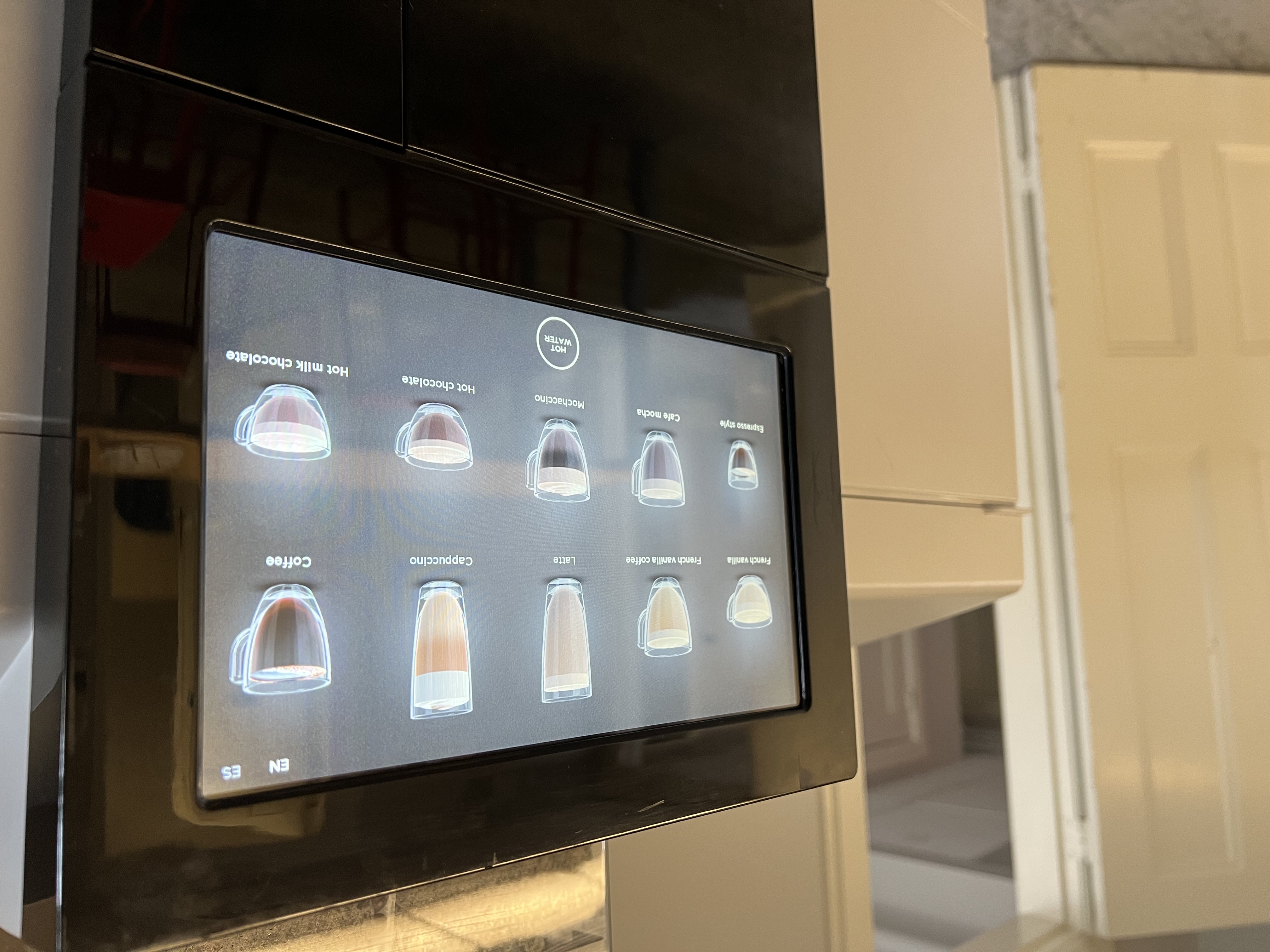
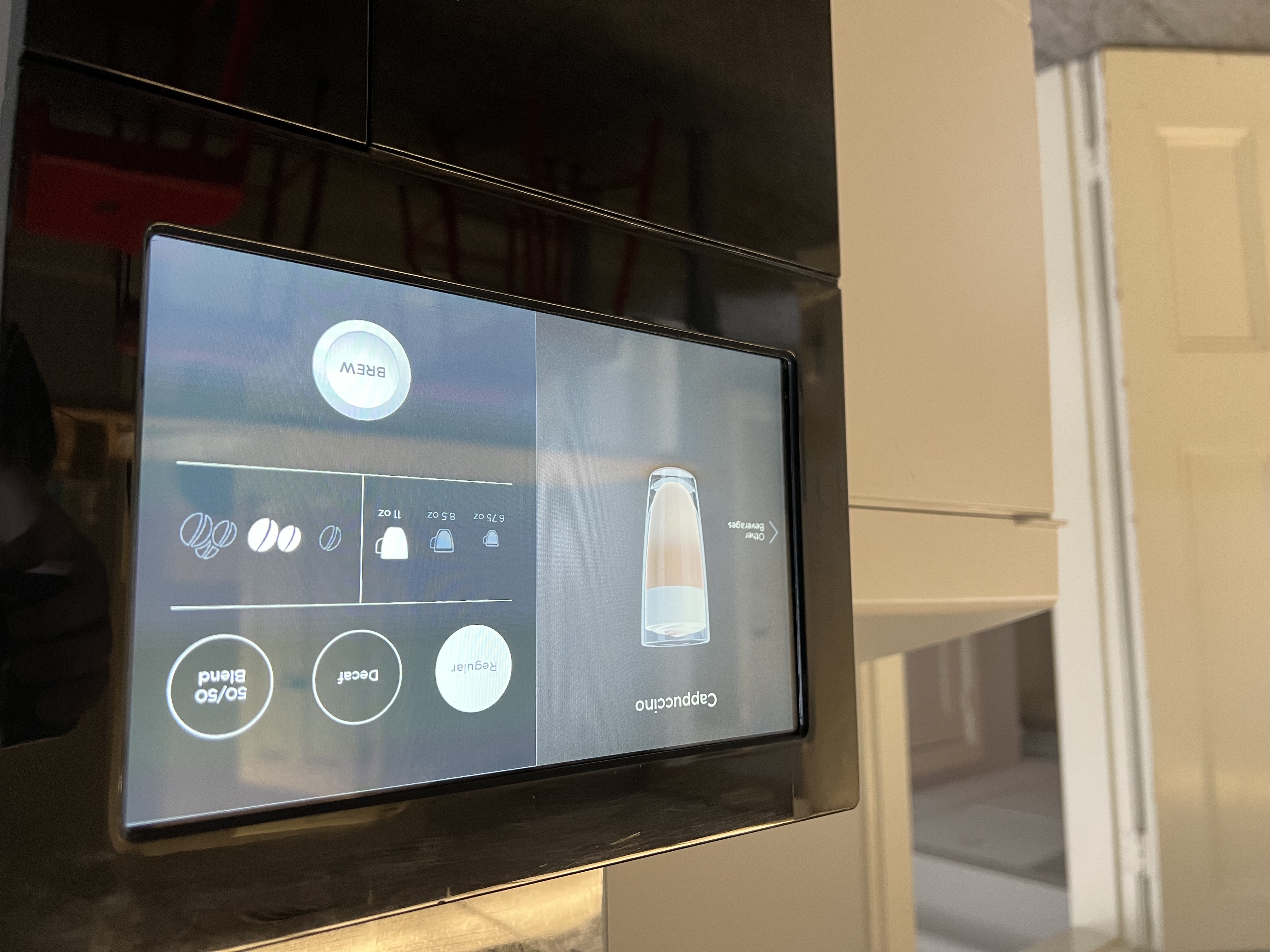
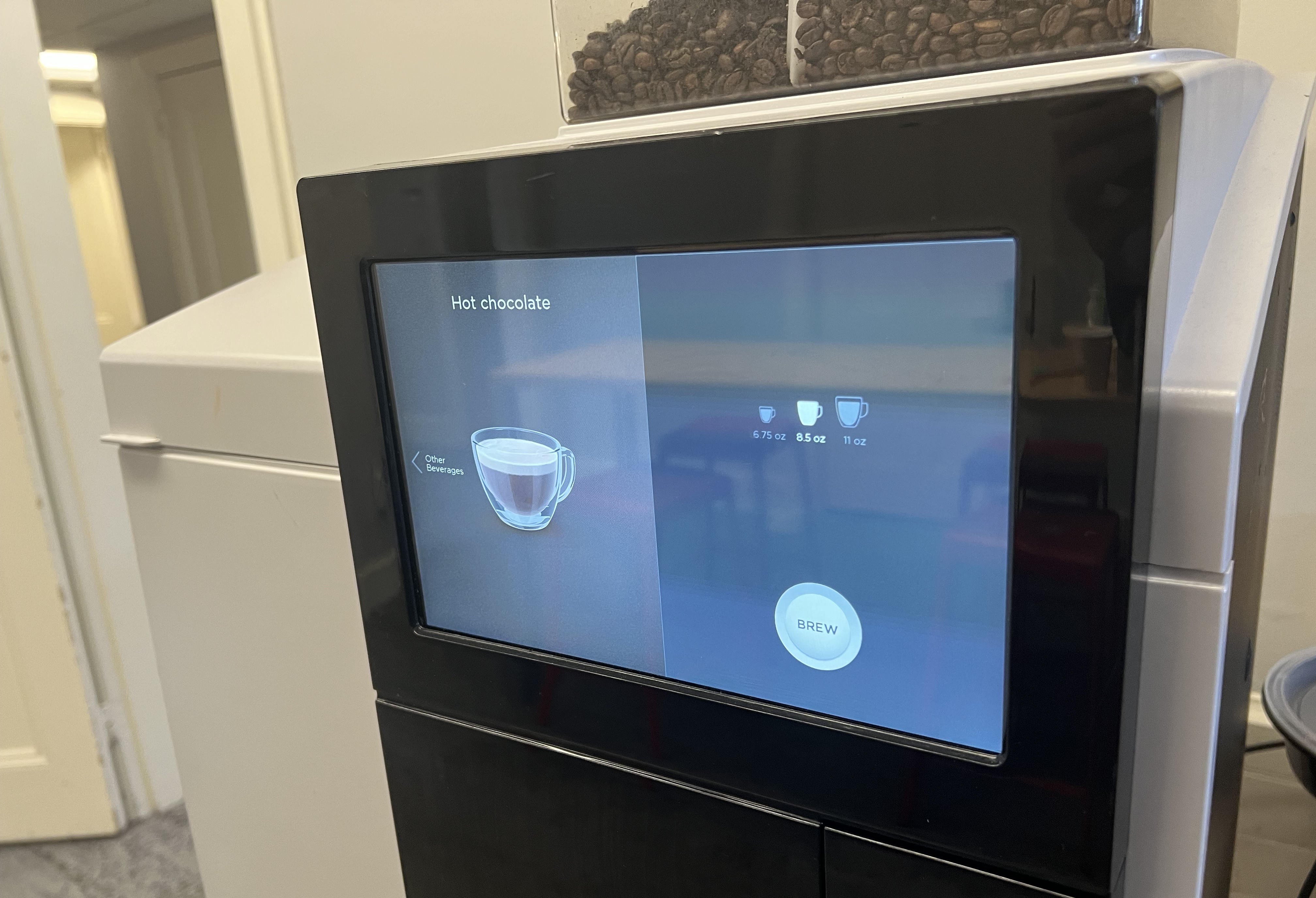
The interface consists primarily of a screen that initially shows 10 possible drink selections, along with a button on the screen for hot water. Once a selection is made, the screen changes to a menu where the user can choose one of three possible cup sizes (6oz, 9oz, and 11oz), one of three possible coffee bean amounts (small, medium, and large amounts of beans used), and one of three possible caffeine levels (regular, decaf, or 50/50 split), and then press start. For drinks that do not contain coffee (eg. hot chocolate), only a drink size can be selected. After pressing the start button on the screen, the machine will dispense the drink into a cup placed in the lower section.
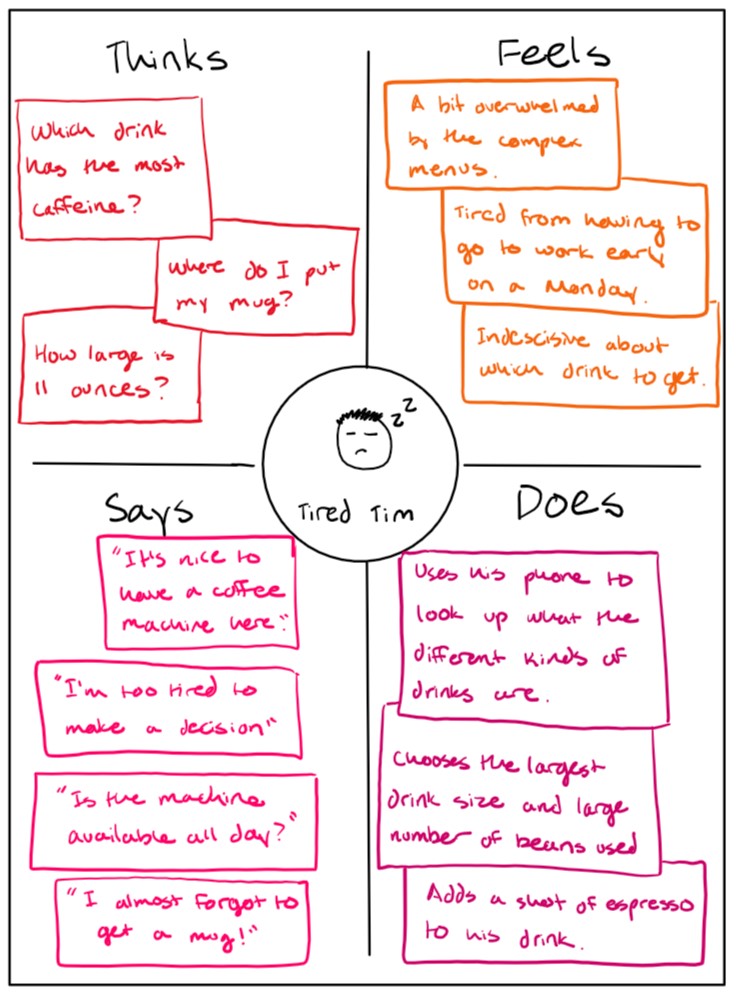
Tired Tim is a frequent coffee drinker, but he is especially tired this morning and is just looking for some quick caffeine.
Tim feels that the interface is too complicated -- it is hard to make a decision between the different drink options on the main menu.
Tim represents the users because some of the users noted that they felt very tired when getting coffee in the morning, and often gravitate towards drinks with stronger caffeine content.
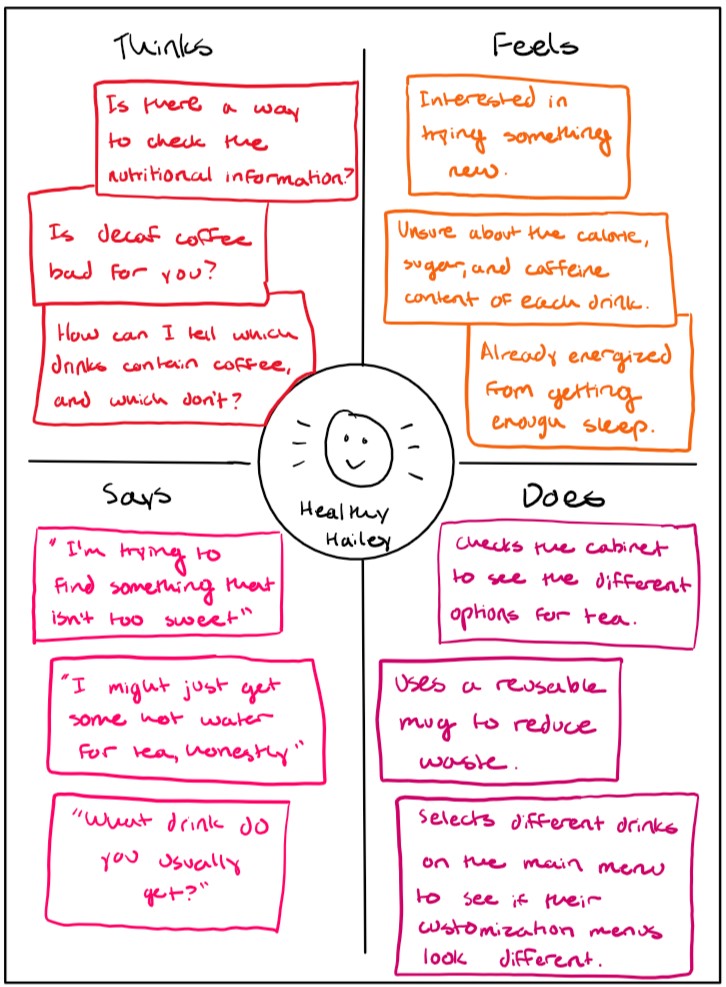
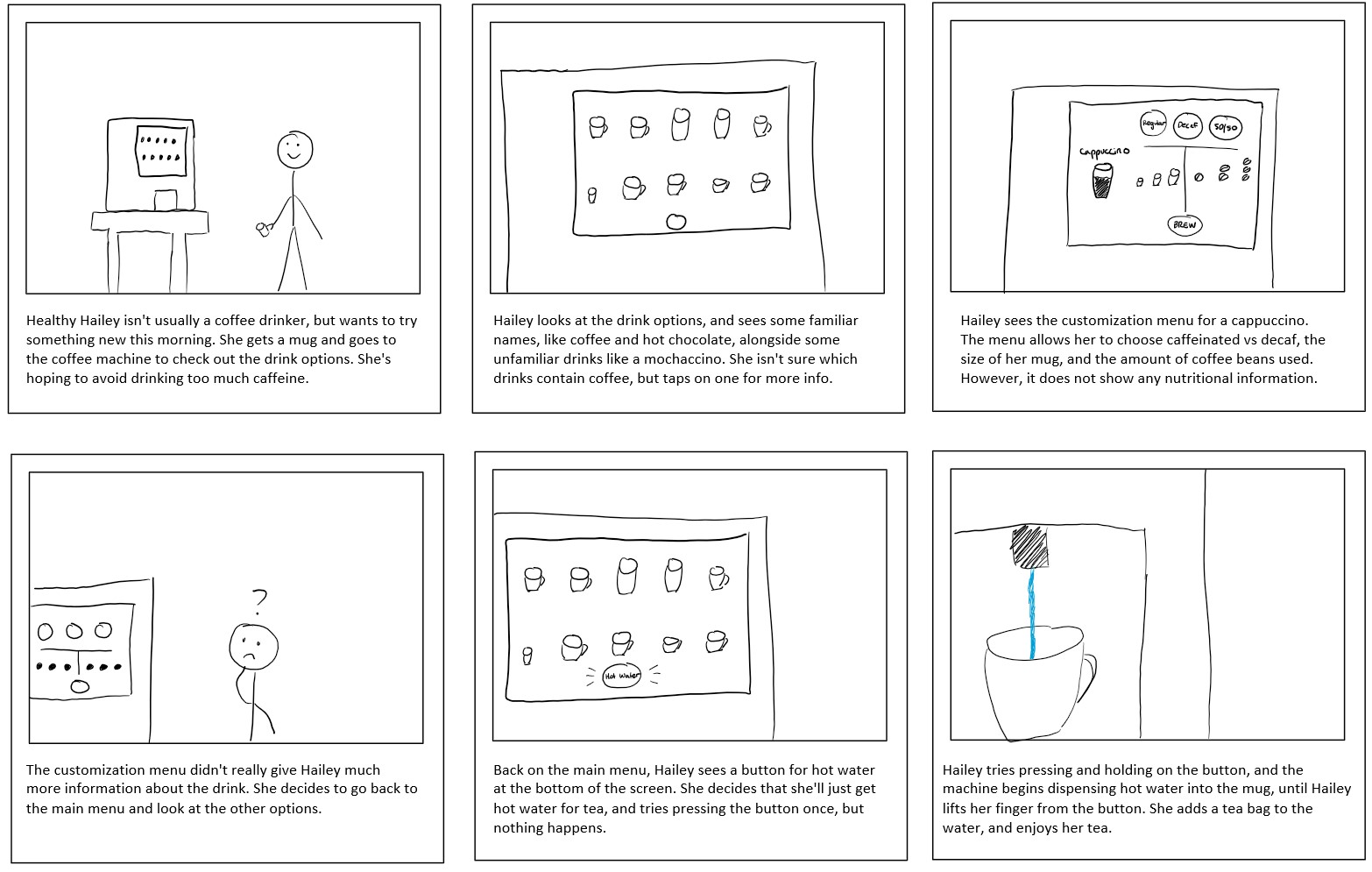
Healthy Hailey is very health-concious, and tends to gravitate towards tea but likes to try new things.
Hailey doesn't drink coffee very often, and feels that the interface is somewhat lacking in information, such as nutrition facts and descriptions of drinks.
Hailey represents users who felt less comfortable with the coffee machine and felt that that there was not enough information provided by the machine.